🗂️
Tabbed browsingTabbed browsing
Keep several locations open at once and switch between workspaces without losing context. Keep several locations open at once and switch between workspaces without losing context.
PandaFiles brings tabbed browsing, quick access, recent items, storage insights, download monitoring, and an optional AI assistant into one focused desktop file manager. PandaFiles brings tabbed browsing, quick access, recent items, storage insights, download monitoring, and an optional AI assistant into one focused desktop file manager.
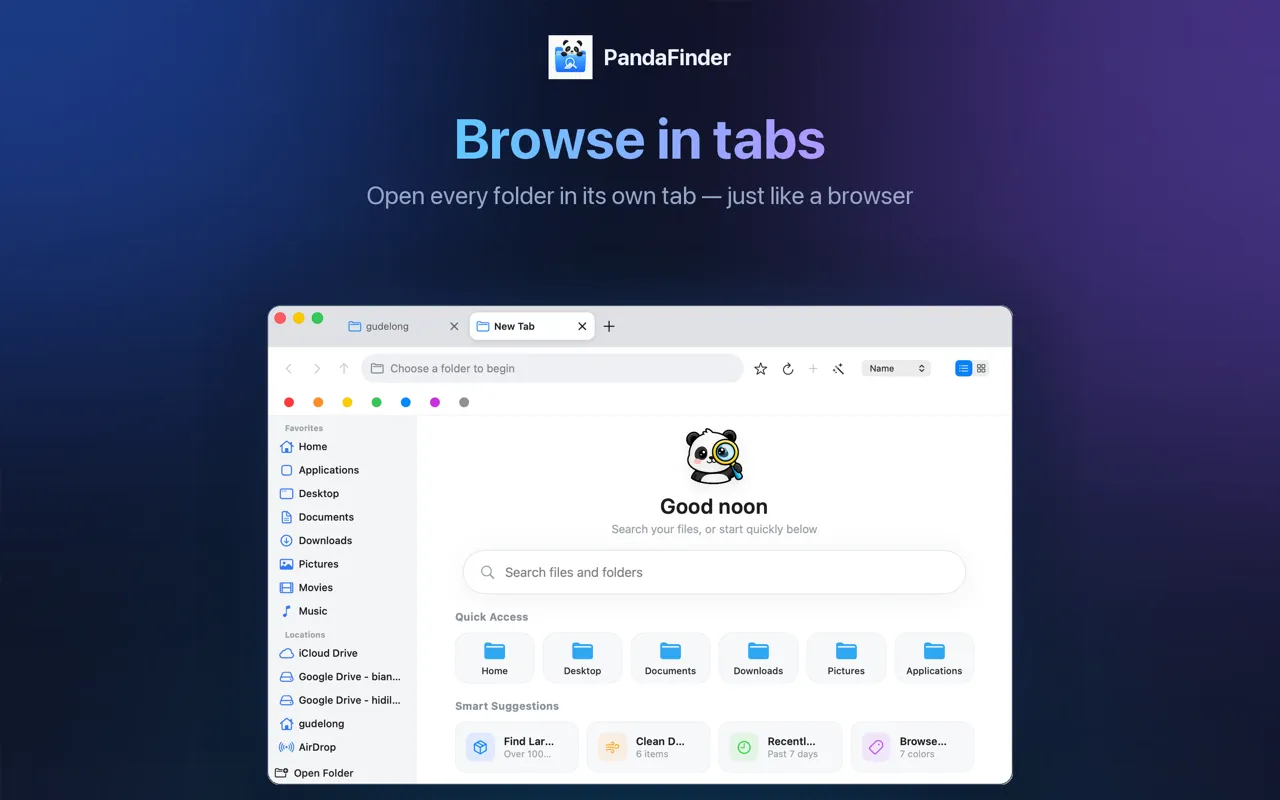
Move through folders, recent work, downloads, and file details without turning file management into a chore. Move through folders, recent work, downloads, and file details without turning file management into a chore.
Keep several locations open at once and switch between workspaces without losing context. Keep several locations open at once and switch between workspaces without losing context.
Reach frequently used folders, recent items, and common locations from a clean sidebar. Reach frequently used folders, recent items, and common locations from a clean sidebar.
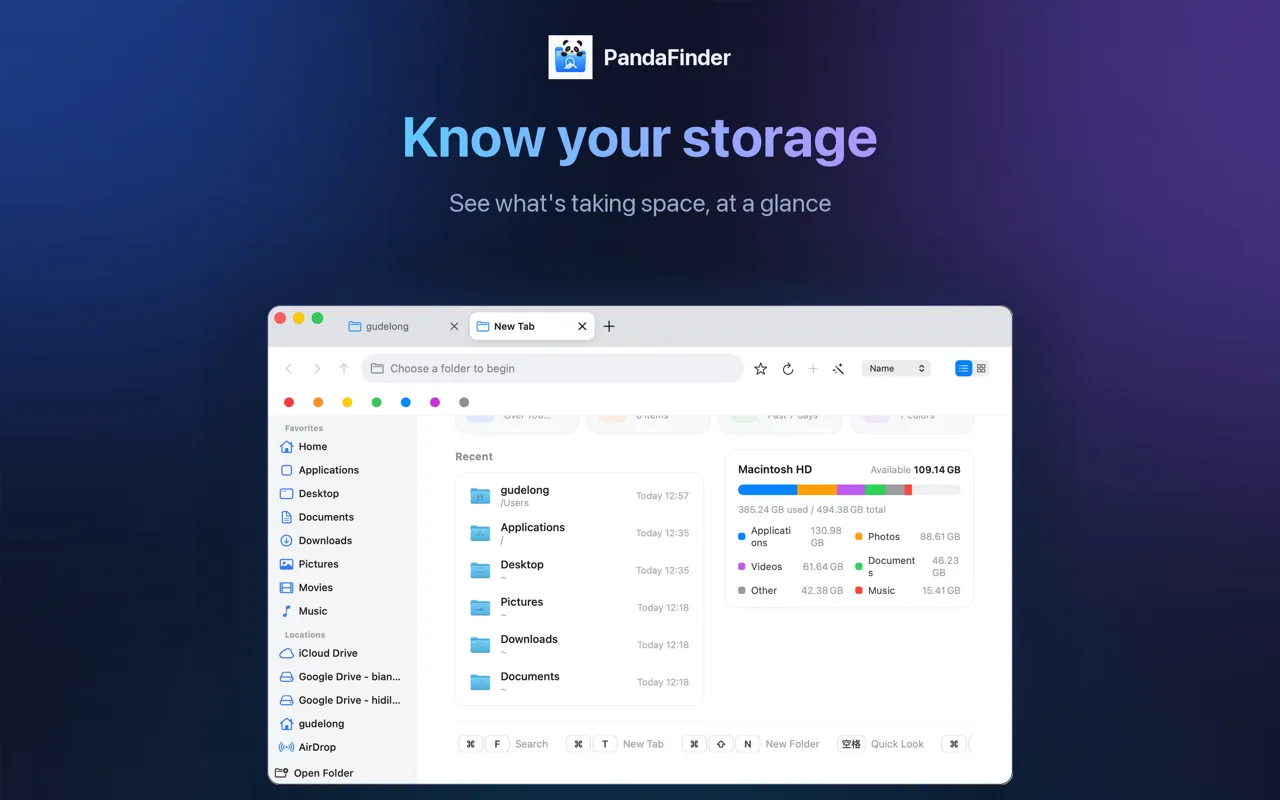
Understand file sizes, dates, and folder activity so cleanup decisions are easier to make. Understand file sizes, dates, and folder activity so cleanup decisions are easier to make.
Watch your downloads and recently changed files from a single place built for repeated use. Watch your downloads and recently changed files from a single place built for repeated use.
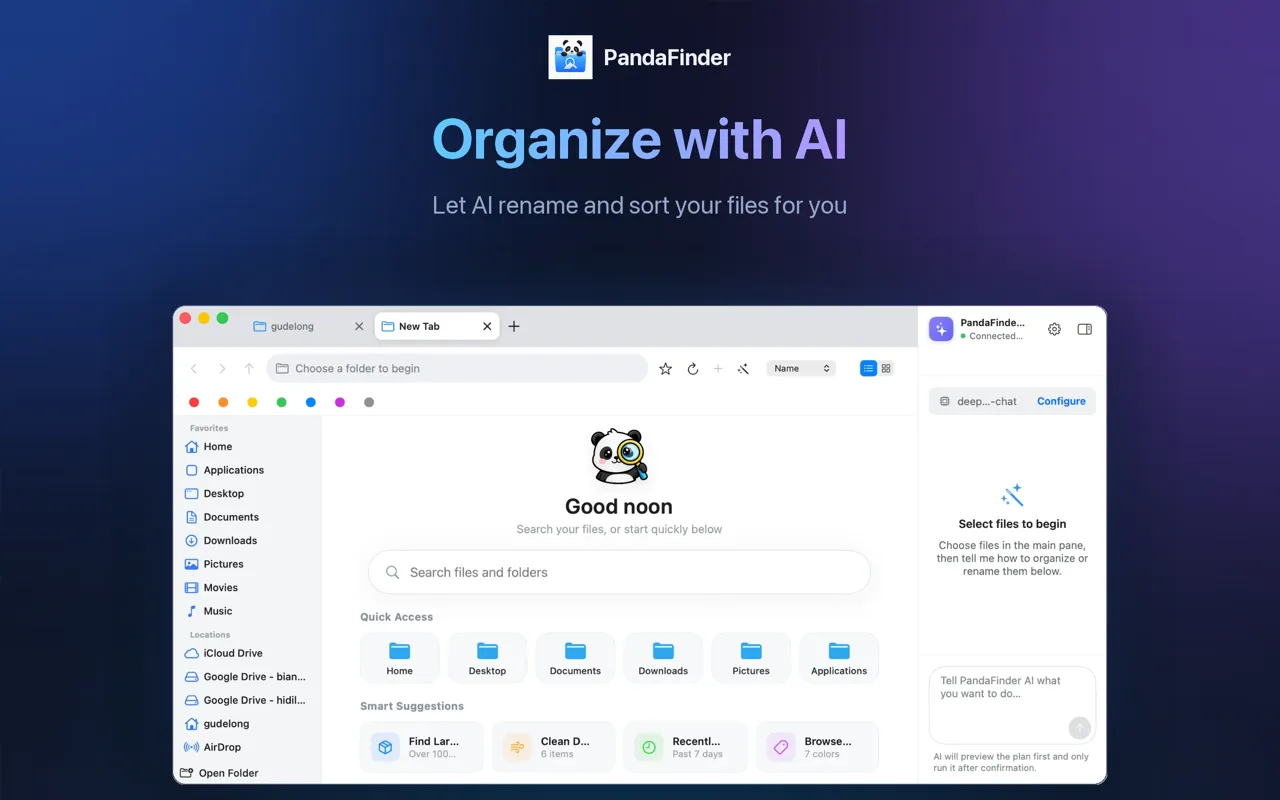
Configure your own AI provider when you want help inspecting, planning, or organizing selected files. Configure your own AI provider when you want help inspecting, planning, or organizing selected files.
Your local files stay on your computer. AI requests go directly to the provider endpoint you configure. Your local files stay on your computer. AI requests go directly to the provider endpoint you configure.
PandaFiles works as a normal desktop file manager without AI. If you turn on AI features, requests are sent directly from the app to the official provider endpoint you set — never through a PandaFiles proxy. PandaFiles works as a normal desktop file manager without AI. If you turn on AI features, requests are sent directly from the app to the official provider endpoint you set — never through a PandaFiles proxy.
Download PandaFiles for faster finding, clearer storage, and an optional AI assistant. Download PandaFiles for faster finding, clearer storage, and an optional AI assistant.