🔒
Auto-lock on distance
When your paired device's Bluetooth signal drops below your chosen strength, NearLocky locks the Mac for you.
NearLocky uses Bluetooth to sense your iPhone, Apple Watch, or any paired device. Walk away and your Mac locks itself; come back and it unlocks — no button, no password typed twice.
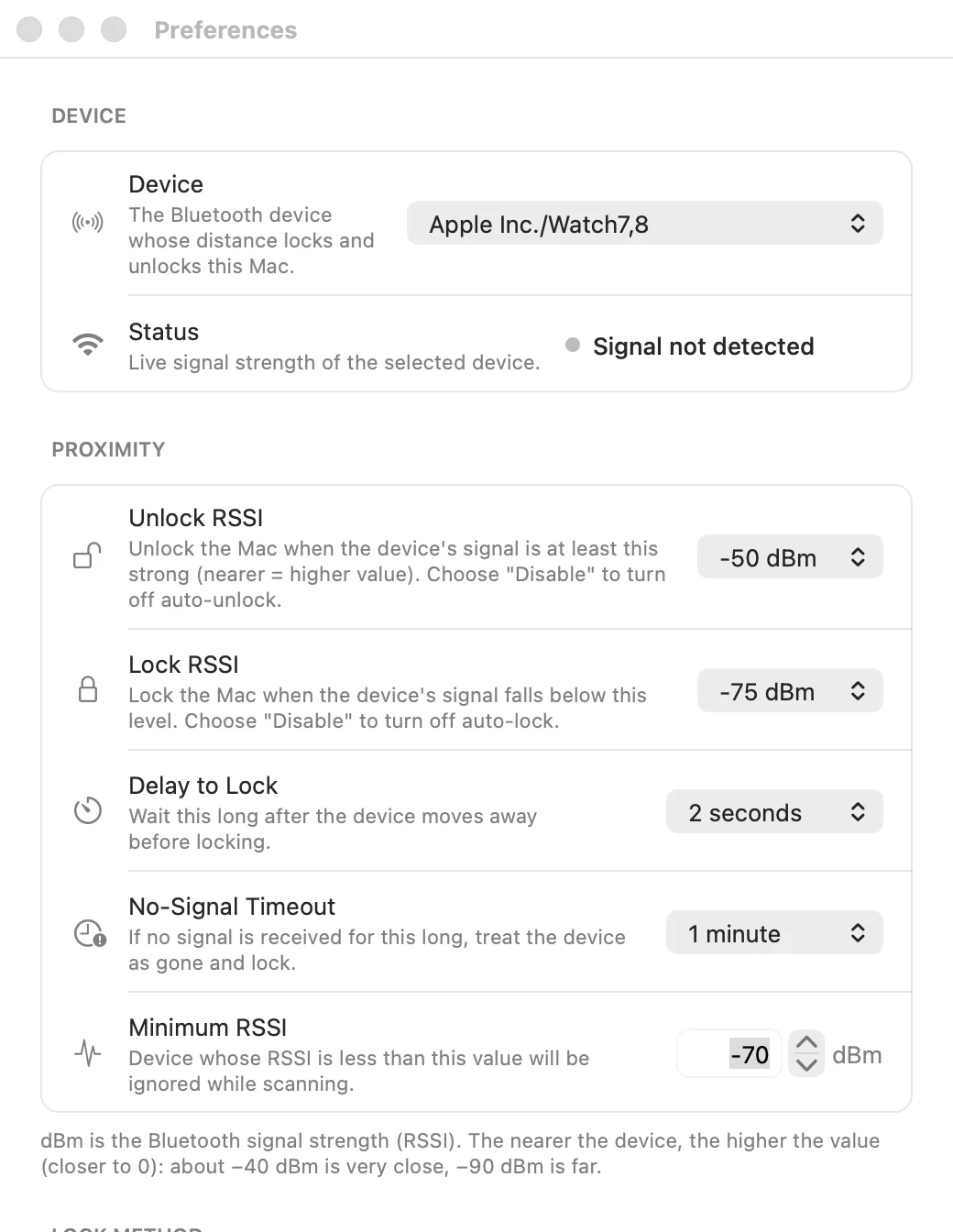
Tune exactly how close is "here" and how far is "gone," then forget about locking your Mac by hand.
When your paired device's Bluetooth signal drops below your chosen strength, NearLocky locks the Mac for you.
Come back within range and the Mac unlocks on its own — no need to type your password again.
Independently tune the unlock signal strength, lock signal strength, lock delay, and no-signal timeout.
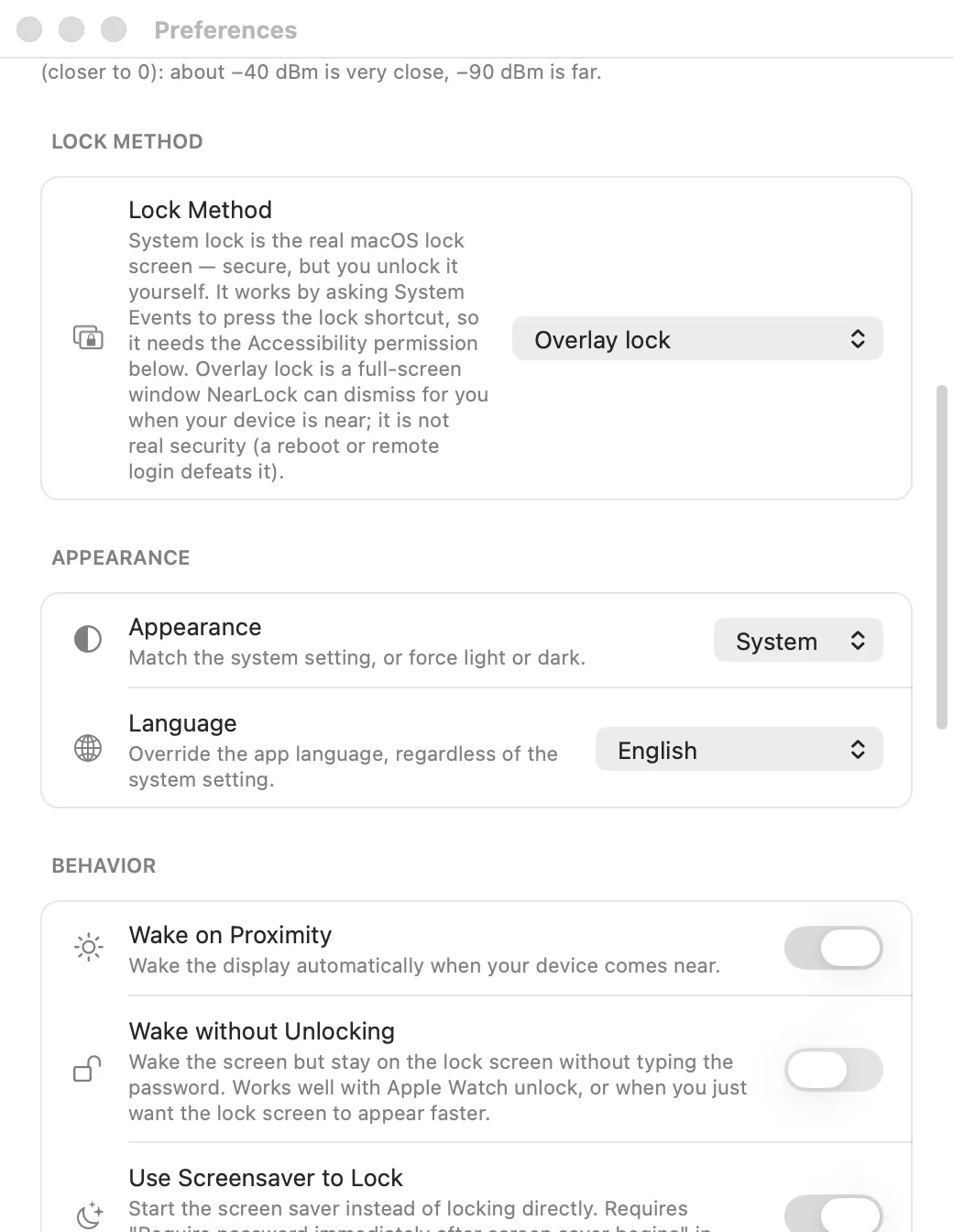
Choose the real macOS system lock screen, or a lightweight overlay lock that NearLocky draws and dismisses itself.
Follow the system appearance or force light/dark, and pick from 20 interface languages independent of your macOS locale.
Wake the display automatically as you approach, lock via screensaver instead, or turn the screen off the moment it locks.
Most people skip locking their Mac because it's one more thing to remember. NearLocky removes that friction: the moment you step away with your phone or watch, the screen locks; the moment you're back at your desk, it's ready for you.